[ Chart types · 12 available, more coming ]
Every chart type you can use
Switch type at any time in the app editor; the data settings carry over. Types marked Coming soon are on the way.
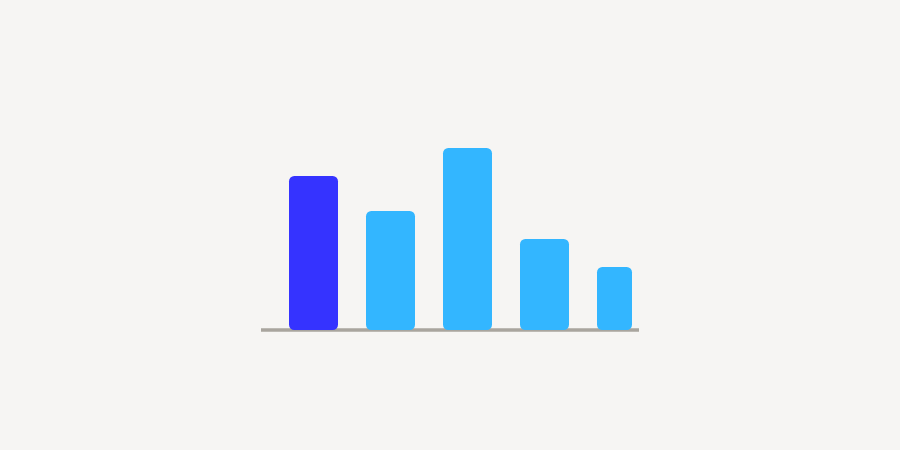
Column
Compare values across categories with vertical bars. The default for most data.
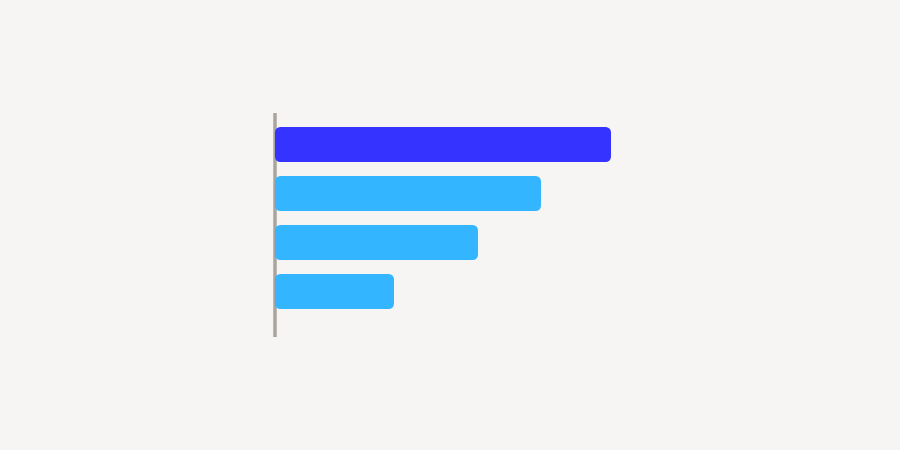
Bar
Horizontal bars for rankings and long category names, like top customers.
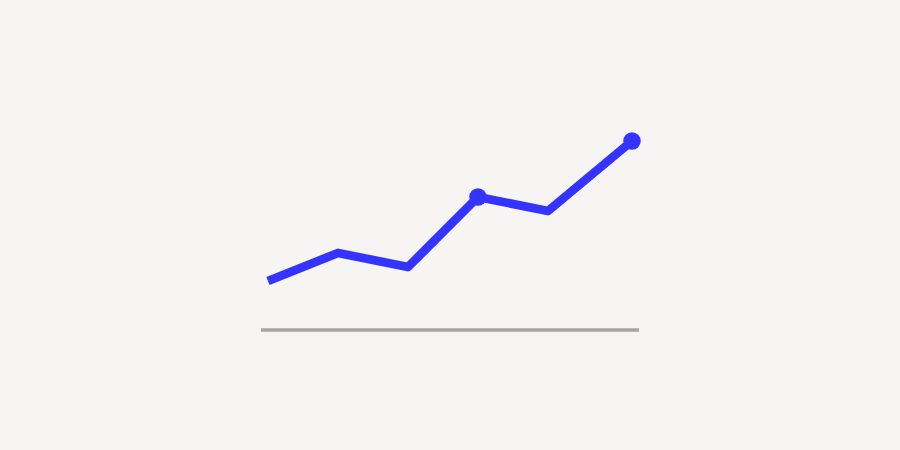
Line
Show how a value moves over time, such as monthly revenue.
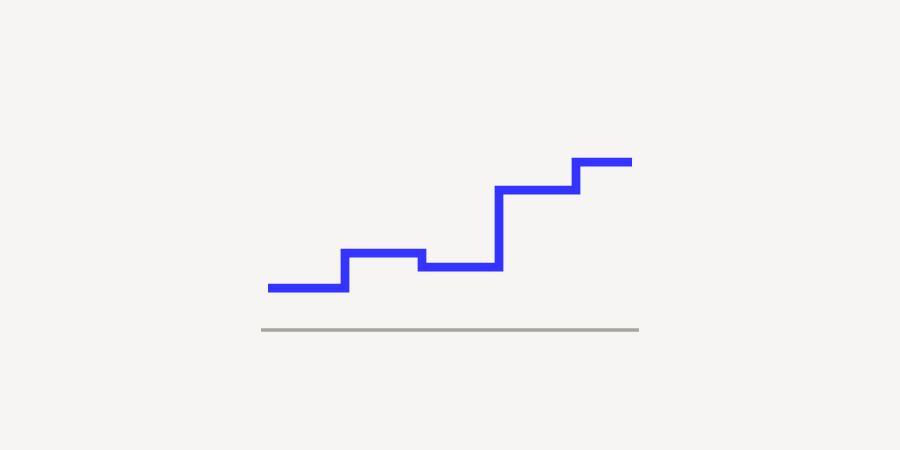
Step line
For values that change in steps rather than smoothly, like prices or stock levels.
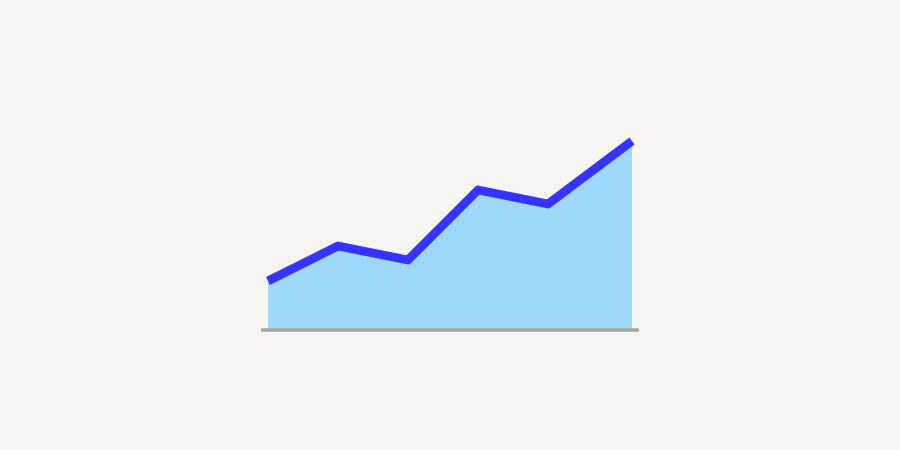
Area
A line chart with the volume underneath filled in, to stress totals over time.
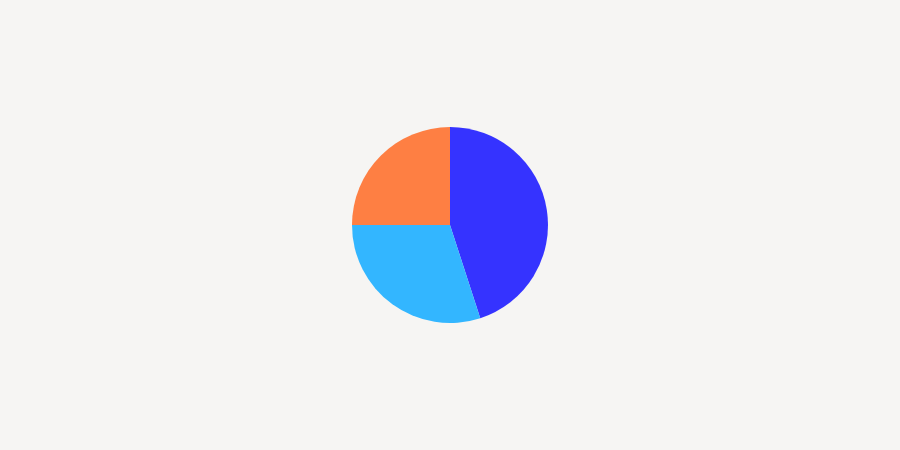
Pie
Each category's share of the whole. Best with a handful of categories.
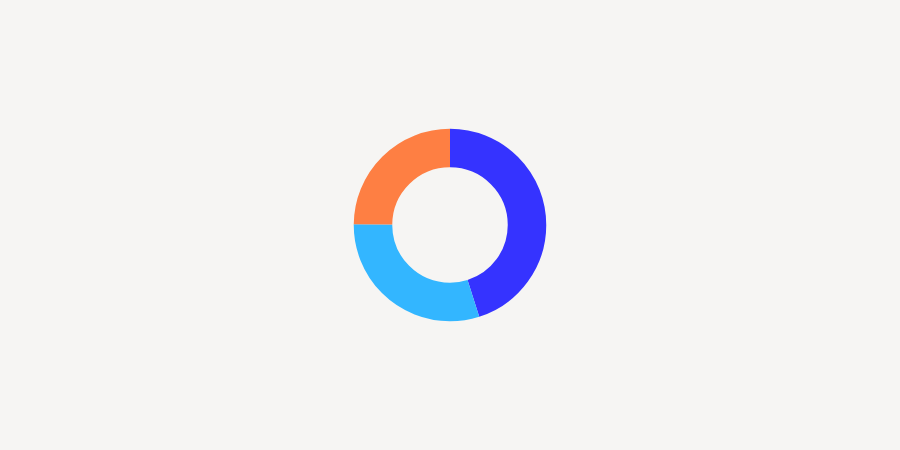
Doughnut
A pie with a hollow center, lighter on the page when it sits beside other components.
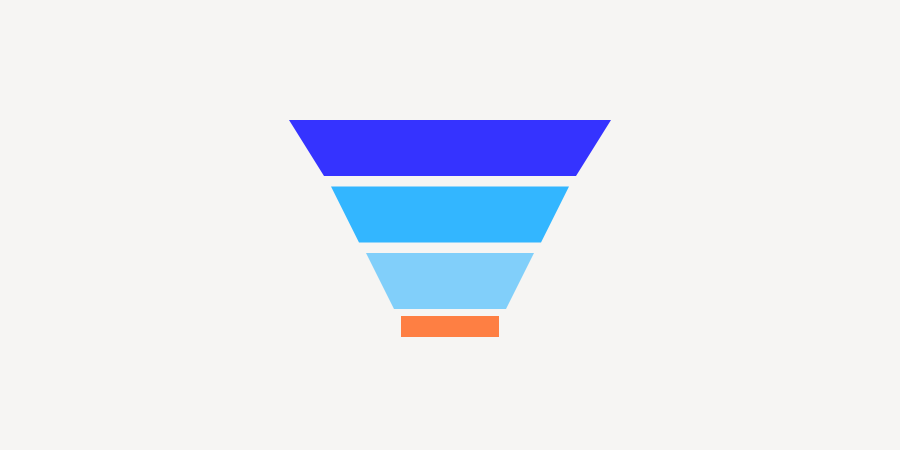
Funnel
Stages that narrow as they go, like leads to opportunities to closed deals.

Lollipop
Rankings with a lighter touch than bars, so the values stand out.
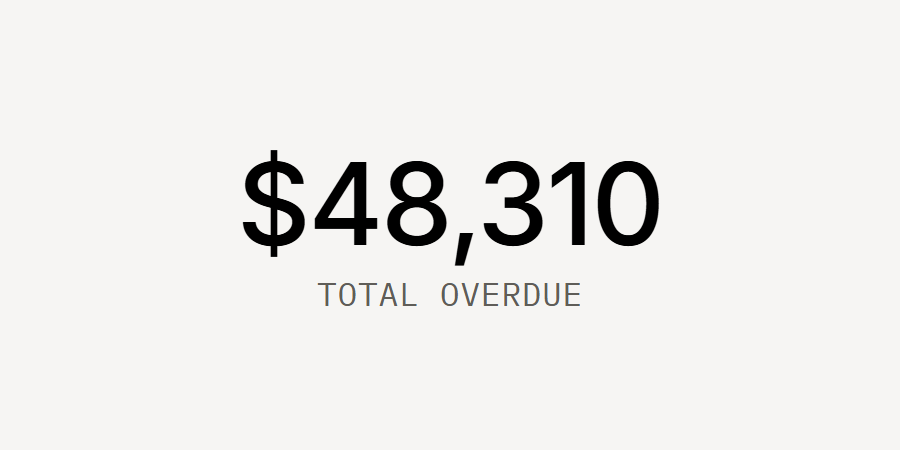
Number
One headline figure, summarized from the data, such as total overdue or open tickets.

Treemap
Part of the whole across many categories, each sized by its value.
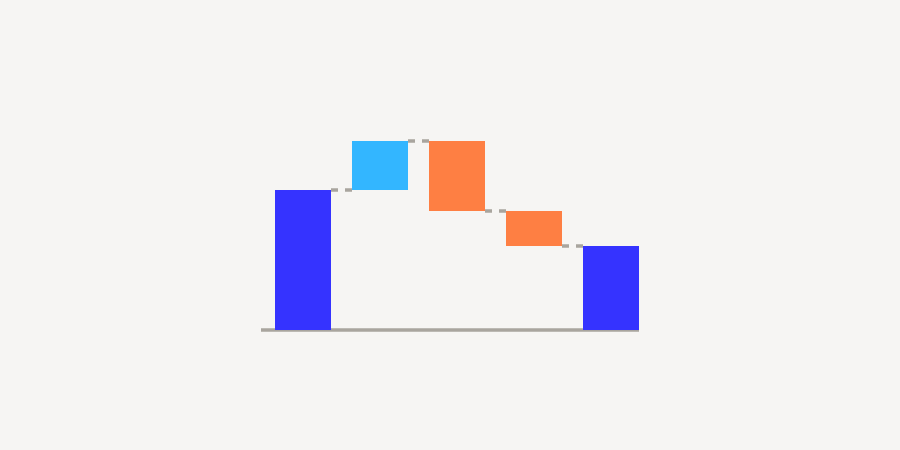
Waterfall
How increases and decreases add up to a total, like revenue less costs.
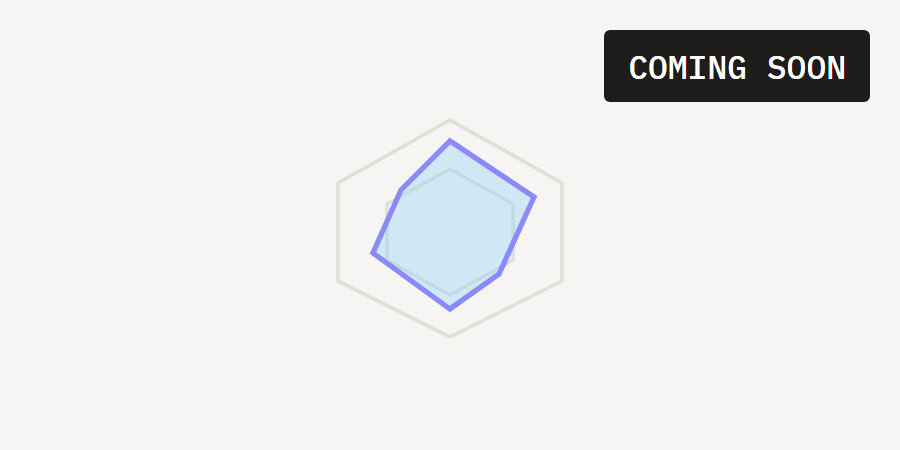
Radar
Compare several measures at once, like scores across categories.
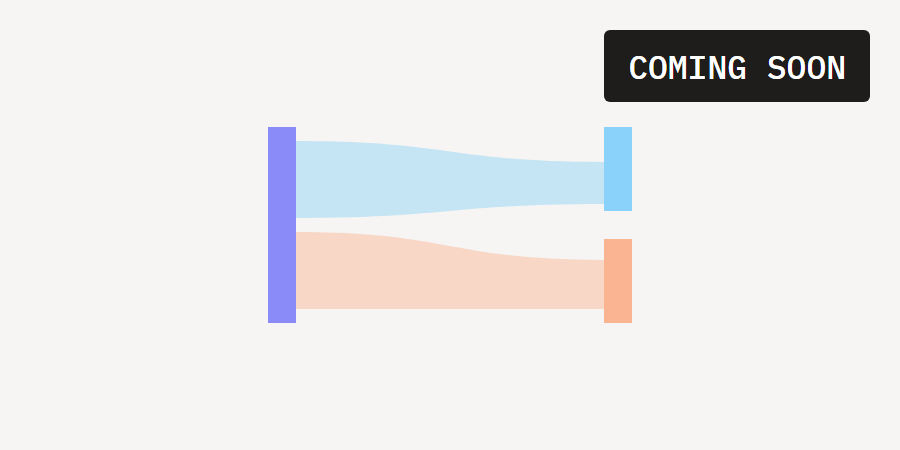
Sankey
Show how amounts flow from one stage or group to the next.
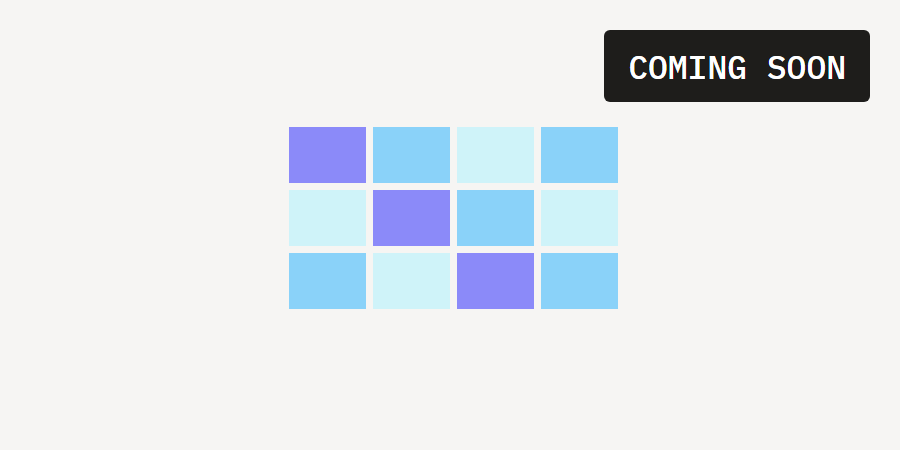
Heatmap
Spot hot spots across two categories, like sales by region and month.

Radial gauge
One figure against a target, like quota attainment.
[ Features ]
[ Get started ]
Build your first MCP app
Connect your systems, pick a tool and lay out an app your whole team can use from their AI chat.