Prompt Management
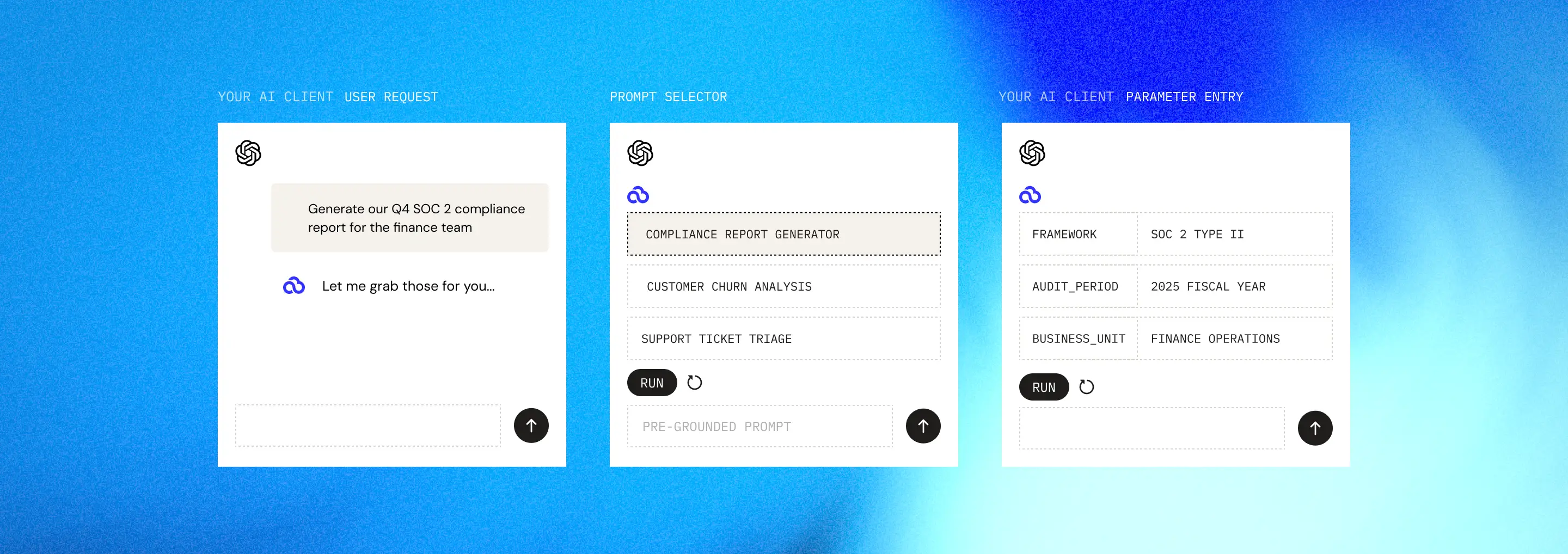
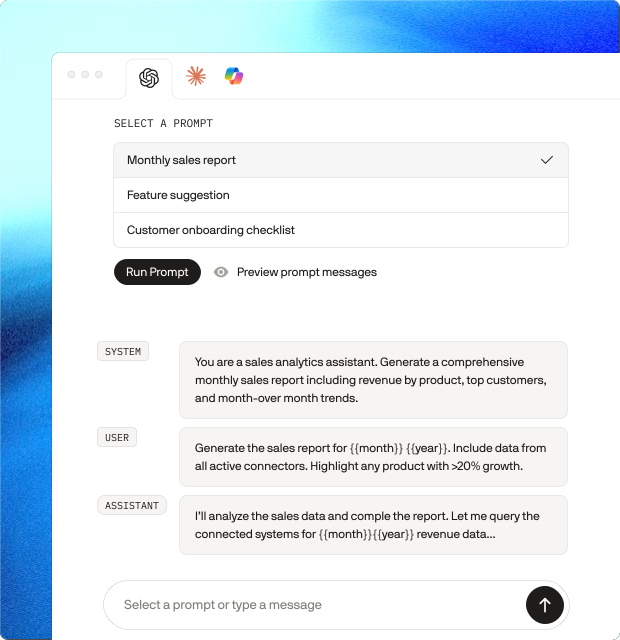
PopdockAI's prompts eliminate the guesswork from AI interactions with your business data. Instead of crafting complex instructions every time you need insights from your ERP, CRM, or business intelligence systems, you can create reusable prompt templates that capture your team's expertise and best practices.
Need to analyze customer churn, generate compliance reports, or triage support tickets? Simply invoke a pre-configured prompt. No specialized training required, and no repetitive setup. Your domain knowledge gets built right into the prompts, so every user benefits from optimal tool usage and proven analytical frameworks.
reliability
Simplicity Meets Enterprise Reliability
PopdockAI's prompt abstraction does the heavy lifting, so your users don't have to. By packaging complex multi-step operations into intuitive, named prompts, we eliminate the steep learning curve that typically comes with AI-powered business tools.
Your team gets immediate access to sophisticated capabilities without needing to understand the underlying systems, API calls, or data transformations.
Guaranteed consistency. Every user executes the same proven workflow in the same reliable way, eliminating the variability and errors that come from manual processes. Your carefully designed interactions with Dynamics GP, Business Central, Salesforce, and other critical systems happen exactly as intended, every time.
Faster adoption, fewer mistakes, and AI capabilities that scale across your entire organization without sacrificing control or quality.
SMart parameters
Flexibility Without
Complexity
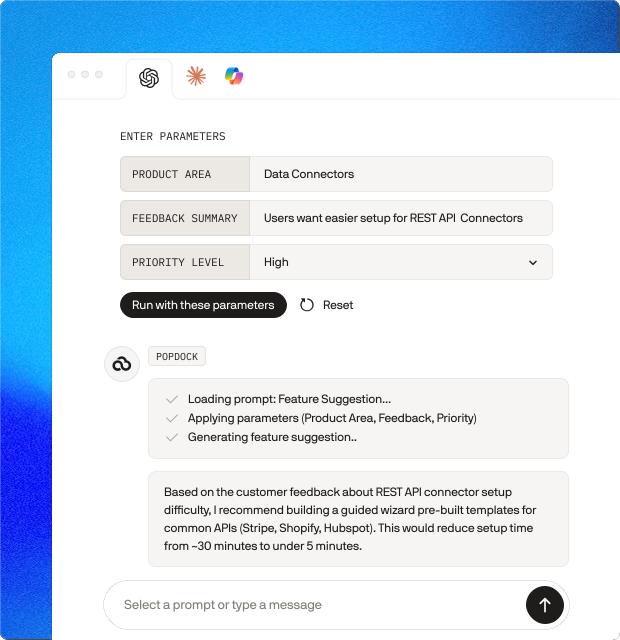
When you define a prompt with parameters, users can tailor it to their specific needs at runtime. For example, a prompt for "Analyze support tickets" might include parameters like:
One well-designed prompt can serve multiple related use cases rather than requiring separate prompts for each variation. You build once, then users adapt it to their exact needs, striking the perfect balance between reusability and customization.
PopdockAI is powered by eOne Solutions
An integration powerhouse
20
Years of integration experience
1.75m
queries processed per month
100+
Tested, Ready-to-Use Connectors


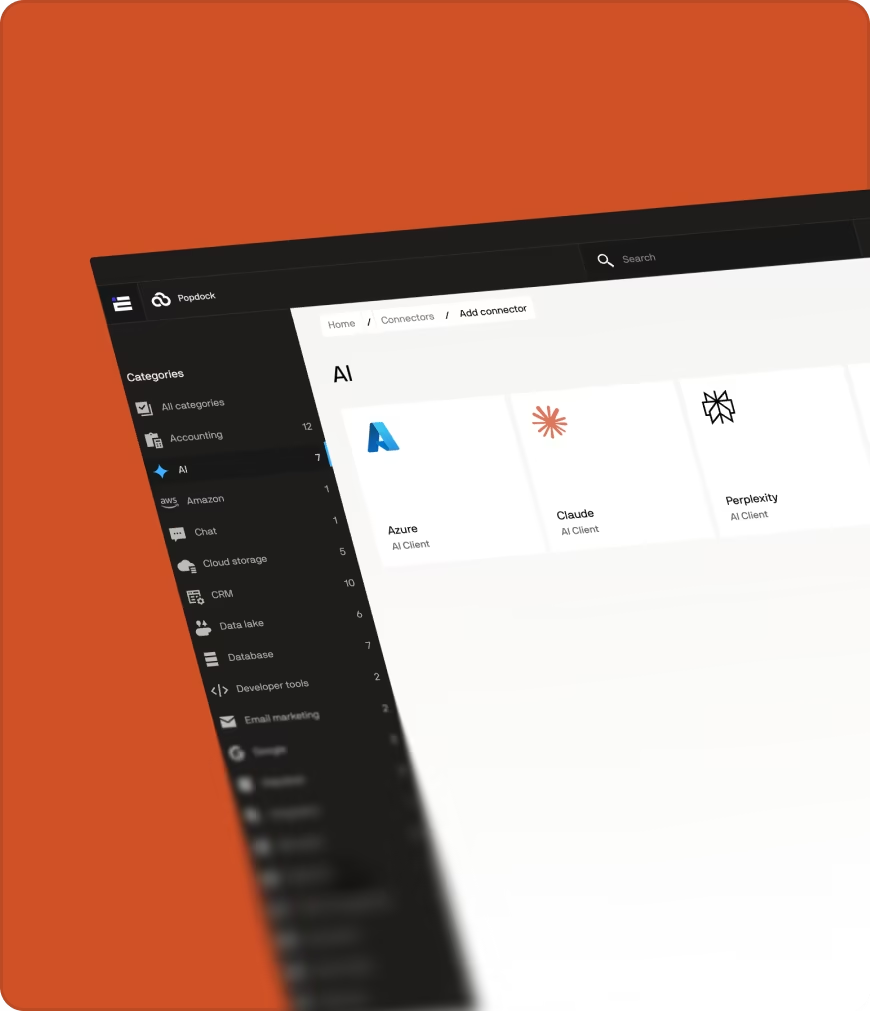
Connect to any rest api with pre-built mcp servers maintained by us.
Built-In Validation
Quality Control for Your AI Workflows
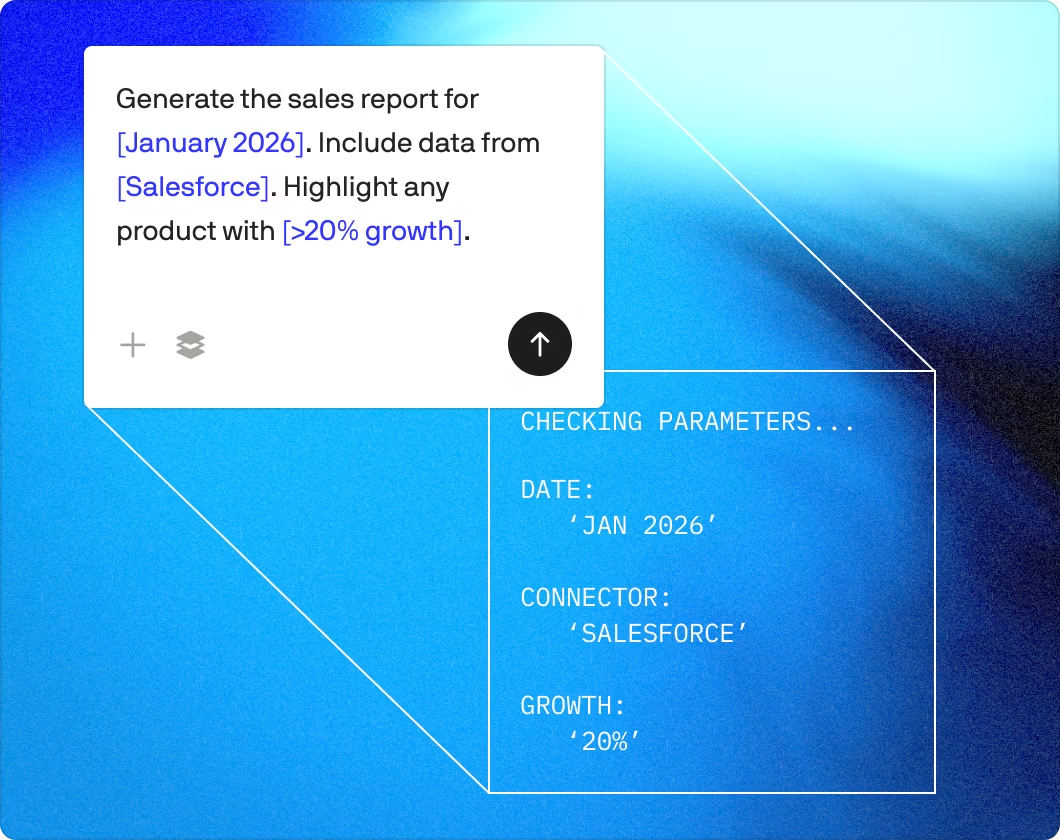
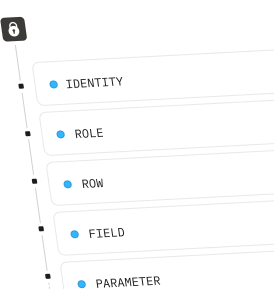
PopdockAI includes intelligent parameter validation that ensures every prompt executes flawlessly, every time. Before your AI assistant even sees a prompt, we validate all user inputs against your defined requirements, checking data types, formats, ranges, and business rules automatically.
Personalized Experiences at Scale
No more troubleshooting failed prompts or trying to figure out cryptic errors. With PopdockAI's validation layer, your users get instant, clear feedback when something needs correction. This includes a date in the wrong format, a customer ID that doesn't exist, or a value outside acceptable ranges.
Fewer support tickets, more confident users, and AI workflows that work right the first time.
Enterprise-Grade Reliability
When you're connecting AI to critical business systems, data integrity is essential. PopdockAI's parameter validation acts as a quality control checkpoint, protecting your data and ensuring that only valid, verified inputs make it through to your connected systems.
You get the flexibility of customizable AI prompts with the guardrails of enterprise-grade validation. Build once, validate automatically, and let your users focus on insights instead of input errors.
Dynamic Conversations
AI That Adapts to Your Context
PopdockAI goes beyond simple prompts with advanced multi-message orchestration. Craft sophisticated conversation flows where every message can be conditionally included based on who's asking, which client they're working with, or the specific parameter values provided.

Personalized Experiences at Scale
Tailor your AI assistant's behavior and context based on the user's role, department, or client account, automatically. A sales manager gets different context and guidance than a support agent, even when using the same base prompt. An enterprise client's workflow includes additional compliance checks that small business clients don't need. You can do this without creating dozens of separate prompts to maintain.
Context That Thinks
When a user requests a financial analysis for Q4, the assistant automatically receives relevant year-end context. When they specify "high-priority" tickets, additional urgency protocols activate. Each conversation dynamically adapts to match the scenario at hand.-

Governance Built In
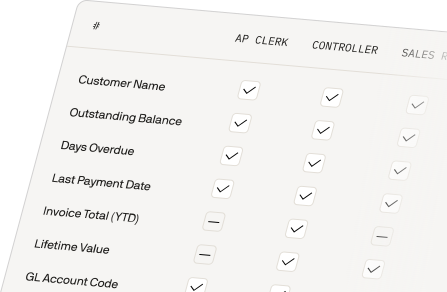
This isn't just about customization; it's about control and compliance. Create different messages for different security levels, enforce client-specific business rules, and implement role-based context that ensures users only see what they should see.
Build Without Limits
Prompt Management
Testing
Tools Overview
Get Data
Run Acrtions
Get Files
Calculate Script
Third Party MCP Tools
Ready to connect AI to your business systems?
Enterprise Security
Fast Deployment
Real business context —
without the custom code
One prompt template with infinite possibilities.
Your AI assistant adapts its approach, tone, and capabilities to match each unique context while you maintain a single, manageable workflow.
Join forward-thinking companies that are transforming their operations with intelligent, secure AI automation.